Free Android App

Professional job reports.
Done on-site.
In seconds.

Fill out job details, snap before/after photos, collect a client signature, and send a signed PDF — all from your phone. No internet needed. No monthly fee.

Free forever — Job Report 100% offline No account needed 10 trades supported
Playbook Toolbox
Recent Jobs
JOB-0003
Sarah Williams
Water Heater Replacement · Today
JOB-0002
Mike Johnson
Kitchen Sink Leak · Sep 5
+ New Job
STEP 7 · PREVIEW
JOB REPORT · JOB-0003
Plocic Plumbing LLC
Water Heater Replacement
✓ Before · ✓ After · ✓ Signed
Share PDF →

7 Steps. One Professional PDF.

Walk through the job in order. Everything saves automatically. Takes 3–5 minutes on-site.
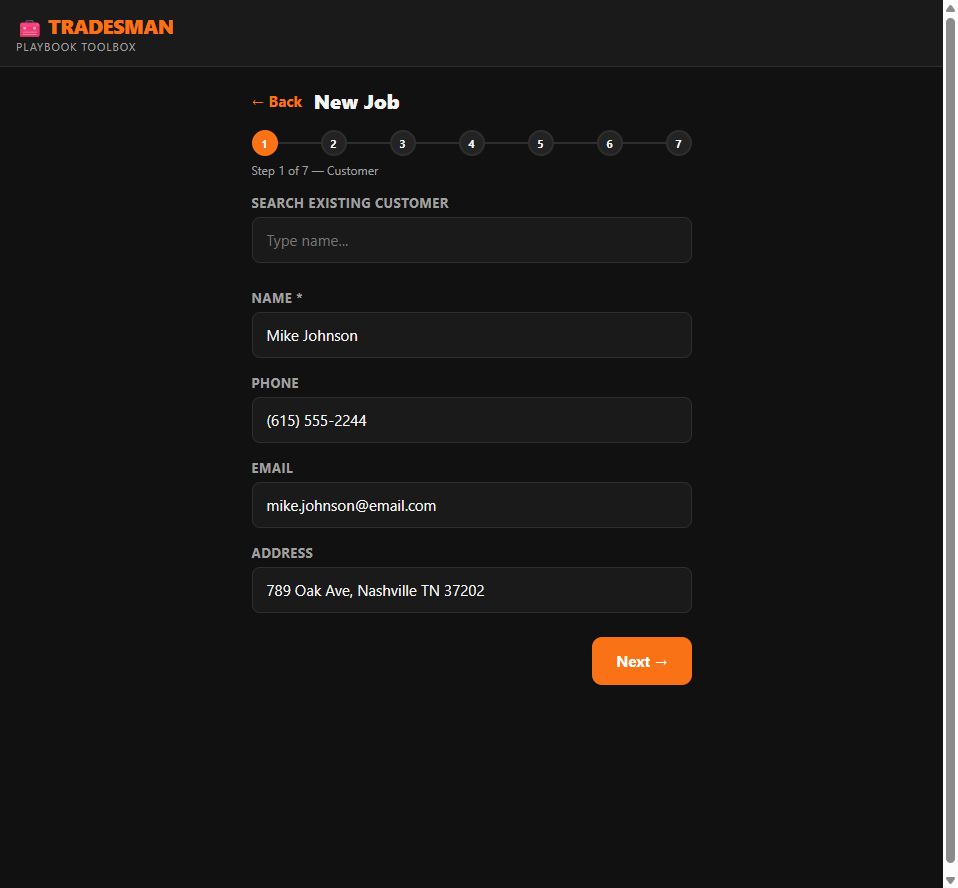
Step 1 — Customer Info
1
Customer Info

Search existing clients or add new. Name, phone, email, job address — auto-saved for next time. Returning customers fill in one tap.
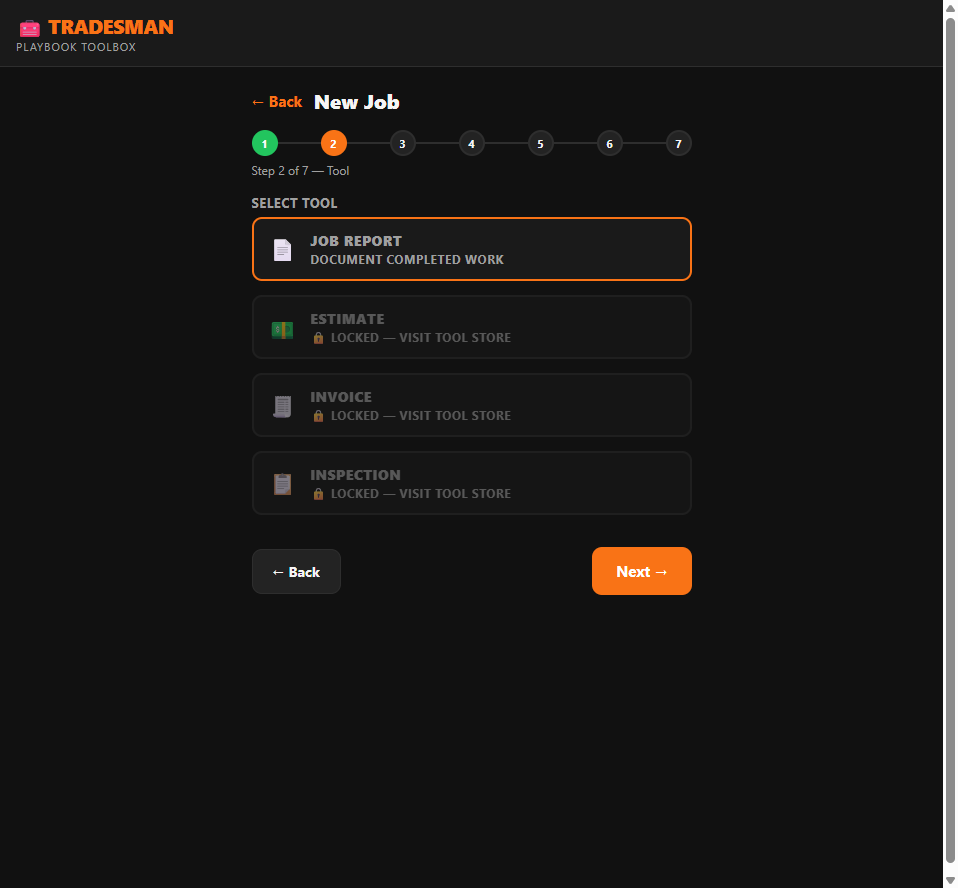
Step 2 — Select Tool
2
Select Your Tool

Choose Job Report (free) or unlock Estimate, Invoice, or Inspection Report when you need them. Pay once, use forever.
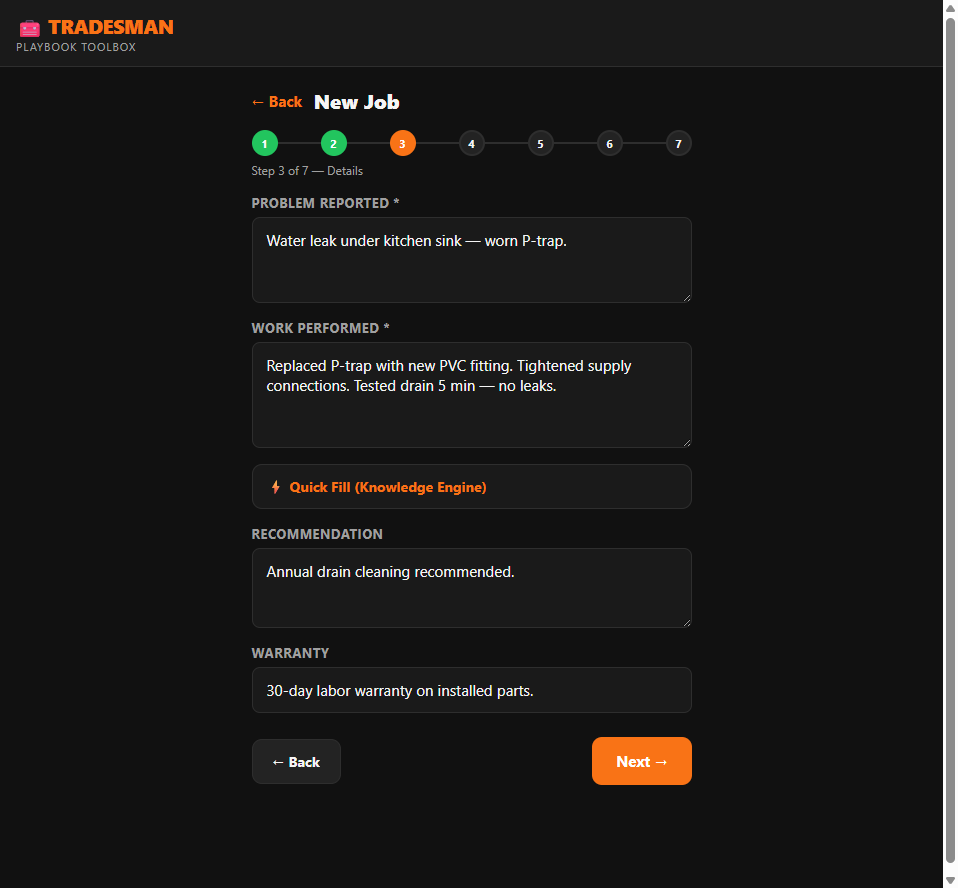
Step 3 — Job Details
3
Job Details + Quick Fill

Describe the problem and work performed. Hit ⚡ Quick Fill — pick your trade, category, and issue — 88 templates fill all fields in one tap. Edit as needed.
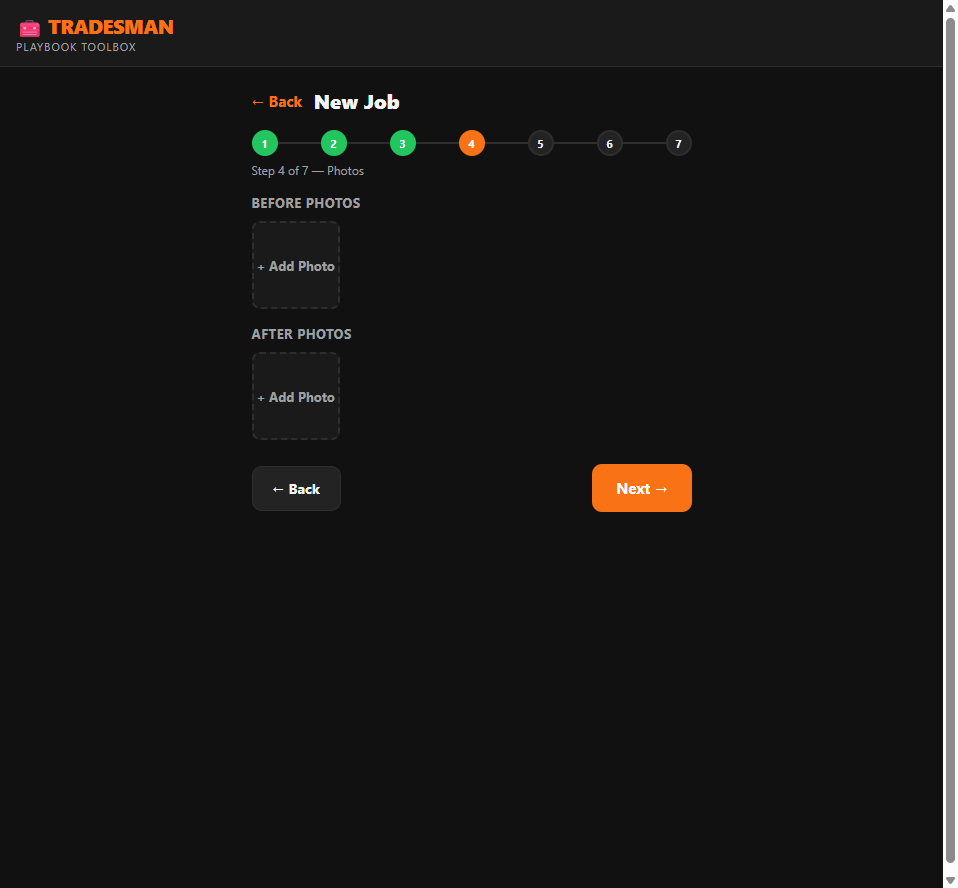
Step 4 — Photos
4
Before & After Photos

Shoot directly from the app. Before photos are your best protection if a client disputes. After photos prove the quality of your work. Both embed in the PDF.
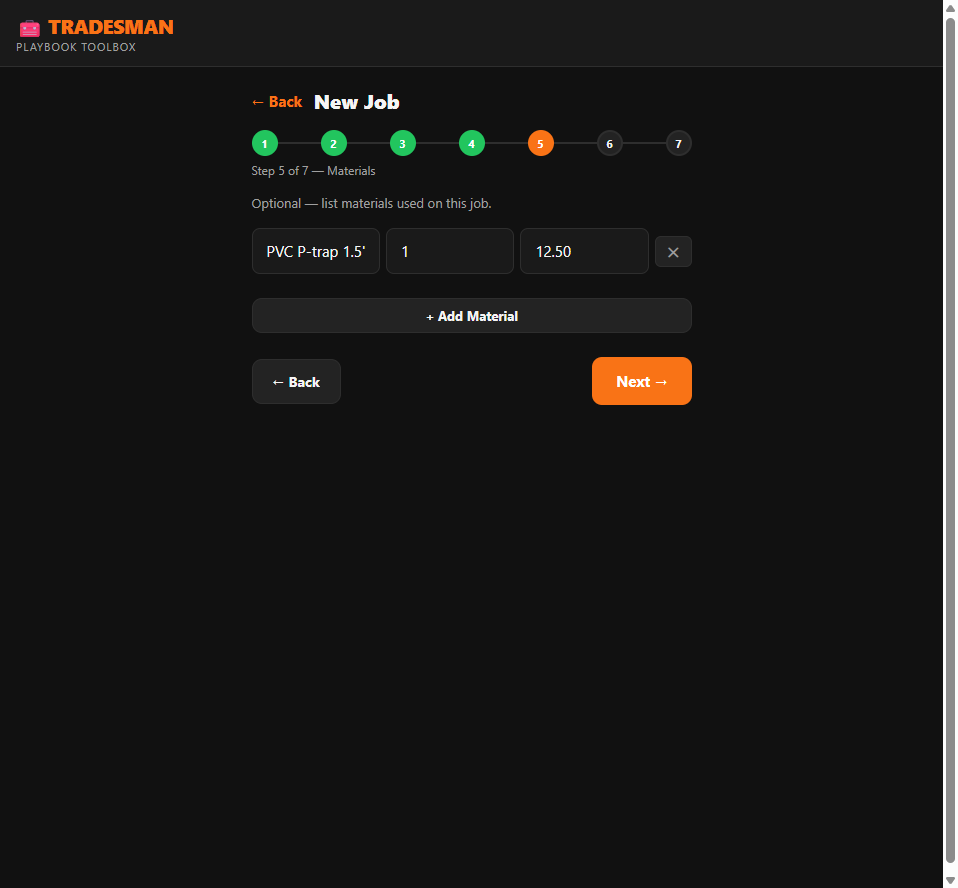
Step 5 — Materials
5
Materials List

Log parts used — name, quantity, price. Optional, but clients appreciate seeing what was installed. Builds trust and justifies your invoice.
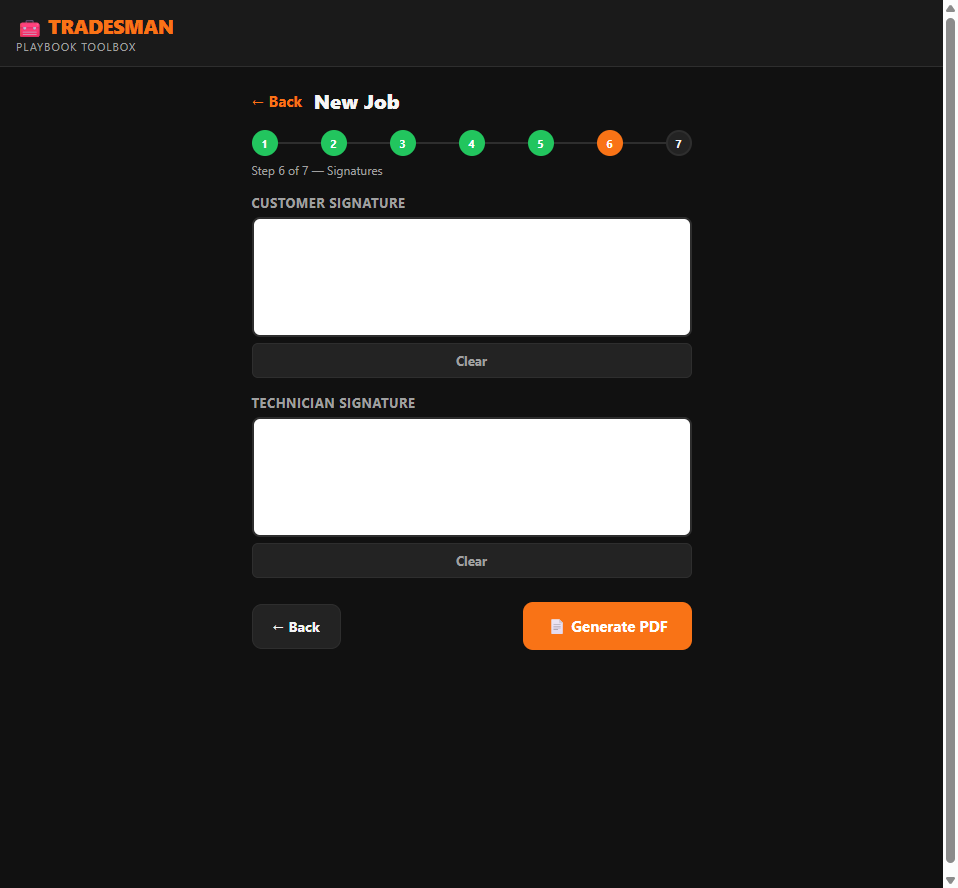
Step 6 — Signatures
6
Digital Signatures

Client signs on your phone screen with their finger. You sign too. Both signatures go in the PDF. Do this before you leave the job — your protection against "I never agreed to that."
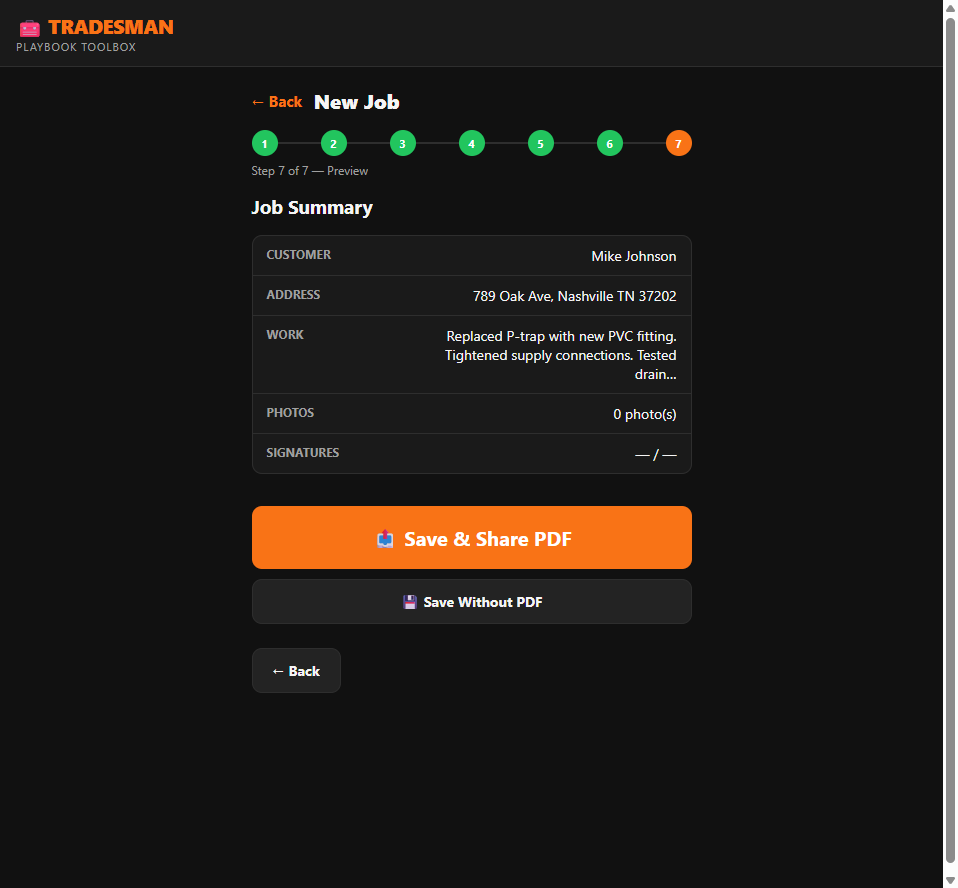
Step 7 — Share PDF
7
Preview & Share PDF

Review everything, then tap Share. A professional PDF generates with your company name, address, phone, and license number. Send via email, WhatsApp, or text — right there on-site.

Free Core. Unlock What You Need.

Job Report is free forever. Add modules as your business grows — pay once, use forever.

Free — Always
Job Report
  • Unlimited job reports
  • Customer database (auto-saves)
  • Before & after photo documentation
  • Digital signature capture
  • Materials list with line items
  • PDF with your company header
  • Quick Fill — 88 templates, 10 trades
  • Works 100% offline
  • No account, no login required
Unlock — $19 each
Coming Modules
  • Estimate Generator — itemized quotes with client approval signature
  • Invoice Module — professional invoices with payment terms
  • Inspection Report — pass/fail checklist for every system
  • Change Order — document scope changes mid-job
  • Maintenance Agreement — recurring service contracts

One-time purchase per module. No monthly fee, ever. Modules planned for Q4 2026.

Download Free.
Start on your next job.

Android APK — sideload in 2 minutes. No app store, no waiting for approval, no account required.

File: tradesman-toolbox-v1.0.apk · ~7 MB · Android 6.0+
iOS version coming soon. Questions? [email protected]

How to Install (2 min)
  1. Tap the download button above on your Android phone — or transfer the APK file to your phone.
  2. Open the APK file from your Downloads folder.
  3. If prompted, go to Settings → Install unknown apps and allow your browser or Files app to install.
  4. Tap Install. Done — Tradesman Toolbox appears on your home screen.
  5. First launch: go to Settings and fill in your company info. It prints on every PDF.